Software for small businesses · Gestor Ambiental
Waste management certificates, no longer assembled by hand
Gestor Ambiental collects and destroys industrial waste for other companies, and for every job it delivers a certificate with the client details, the waste, the weighings and the field photos. Until 2026 each one was put together by hand.
“Implementing the system has been a great contribution to our management. Today all our information is centralized, we improved the traceability of our operations and clients, and we have a tool that will let us measure KPIs and make better decisions.”
Gestor Ambiental is a small industrial waste management company that works in a consortium with Respel. Its team of two to three people issues about 40 certificates a month, and each one brings together information that arrives at different times. First the client details, then the pickup with its weighings, then the photos and finally the review. We built an internal web application where every job lives under one ID, saves itself while it is being completed and moves through statuses until approval. On approval, the platform assigns the folio number and generates the PDF certificate in the format Gestor Ambiental already used, in the name of the right issuing company.
Key deliverables
Deliverables
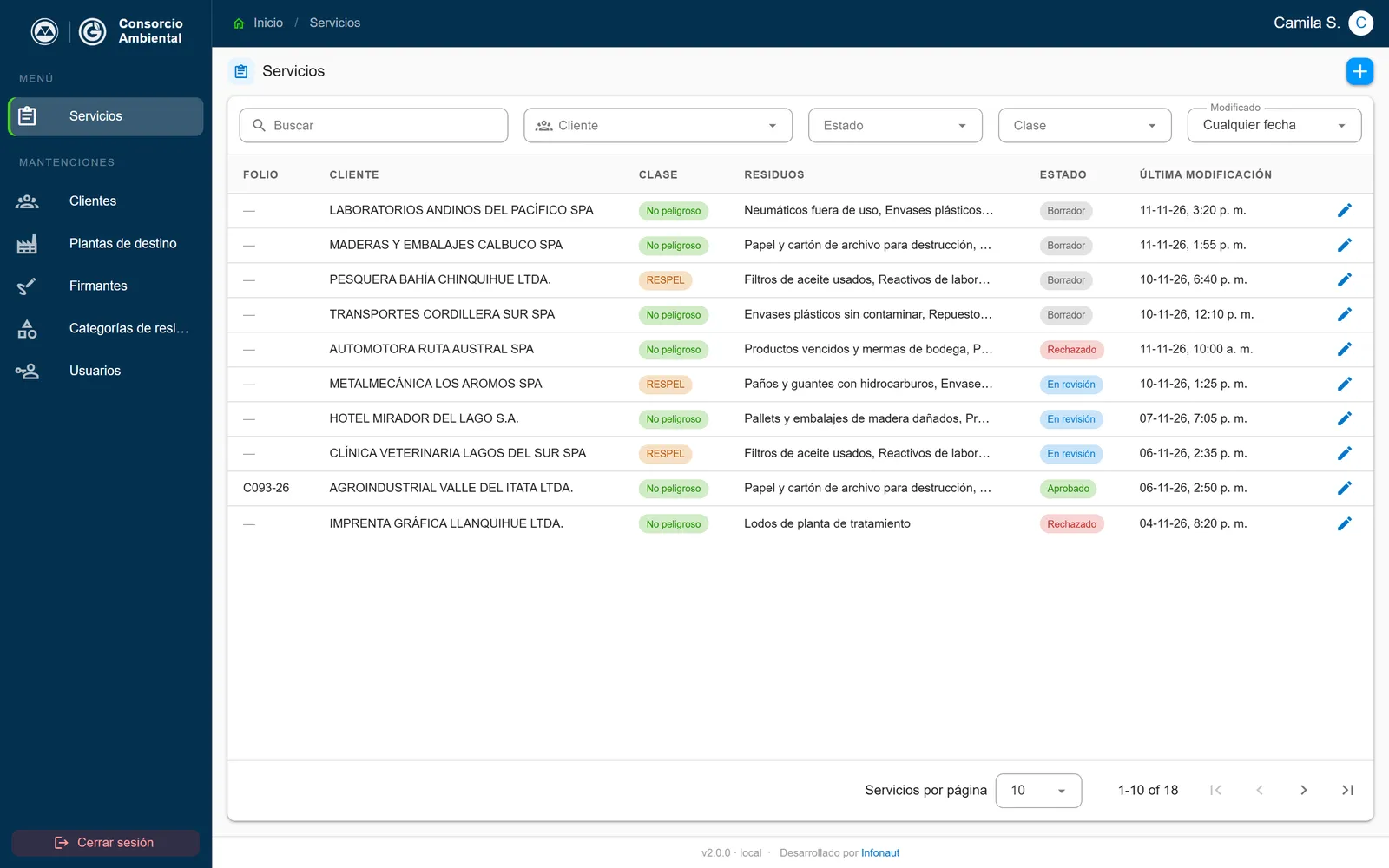
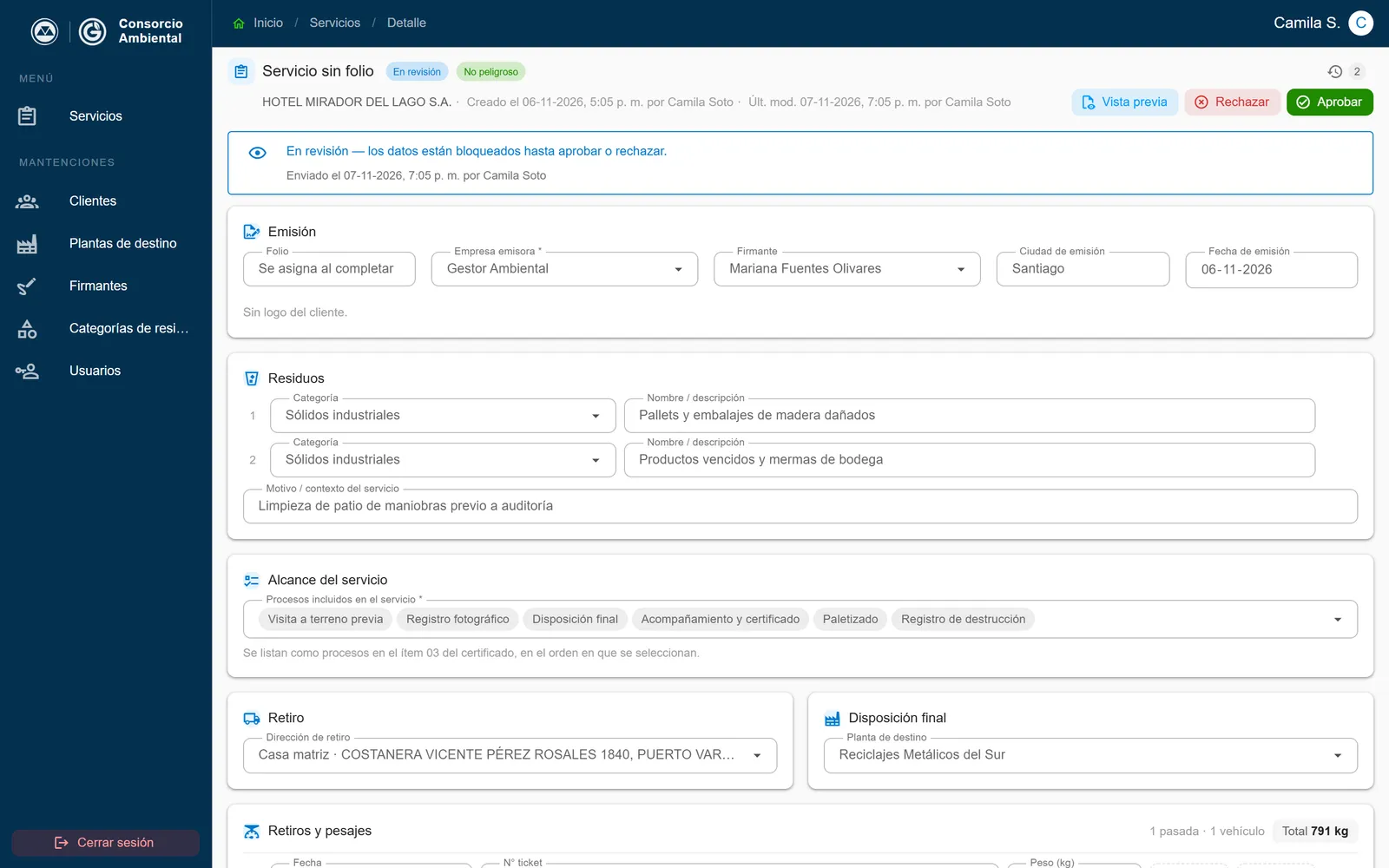
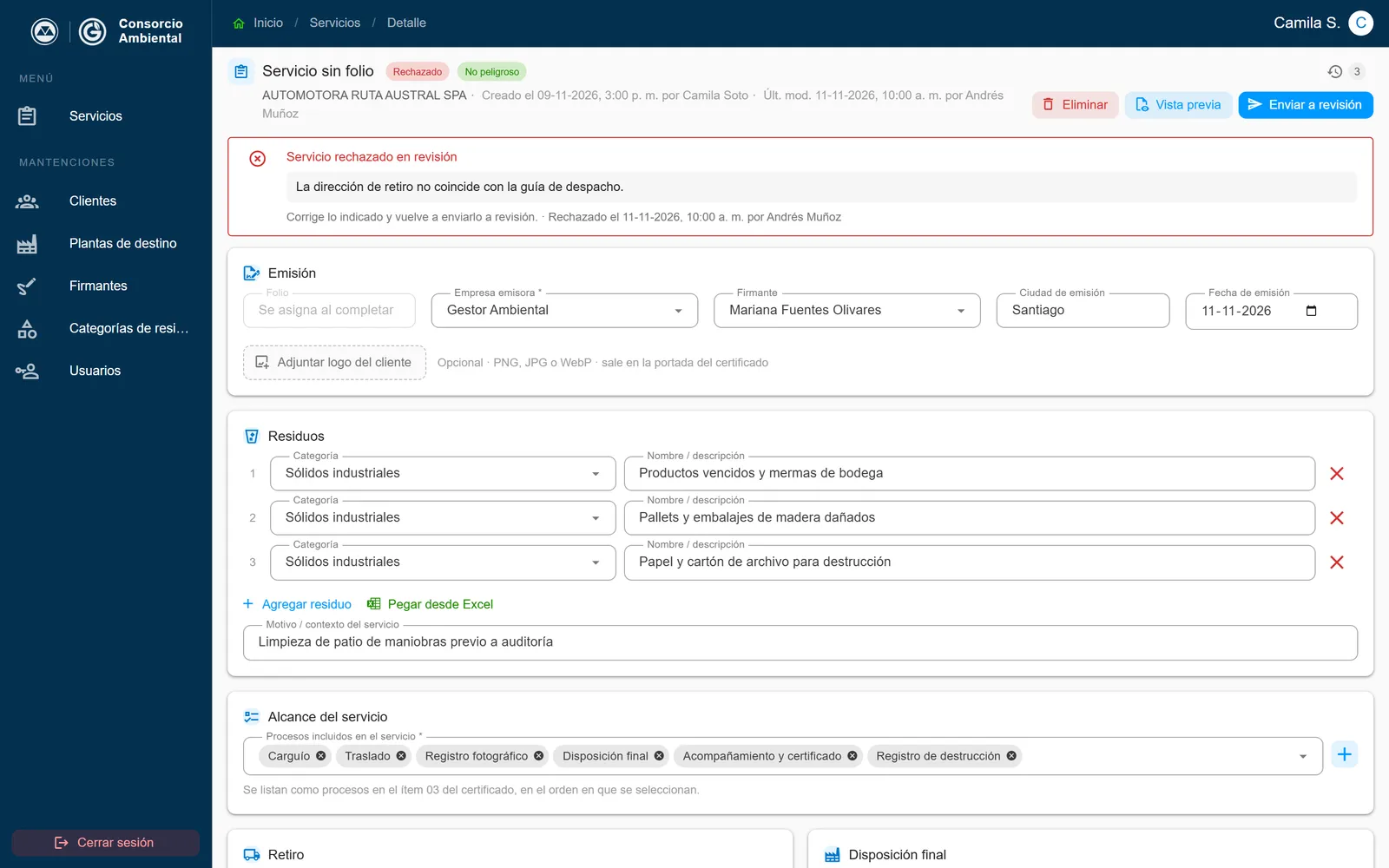
- Jobs by status – Draft, in review, approved and rejected with a note. While a job is under review, nobody can edit it.
- Autosave – Every field saves as it is filled in. You can leave the record and come back later without losing anything.
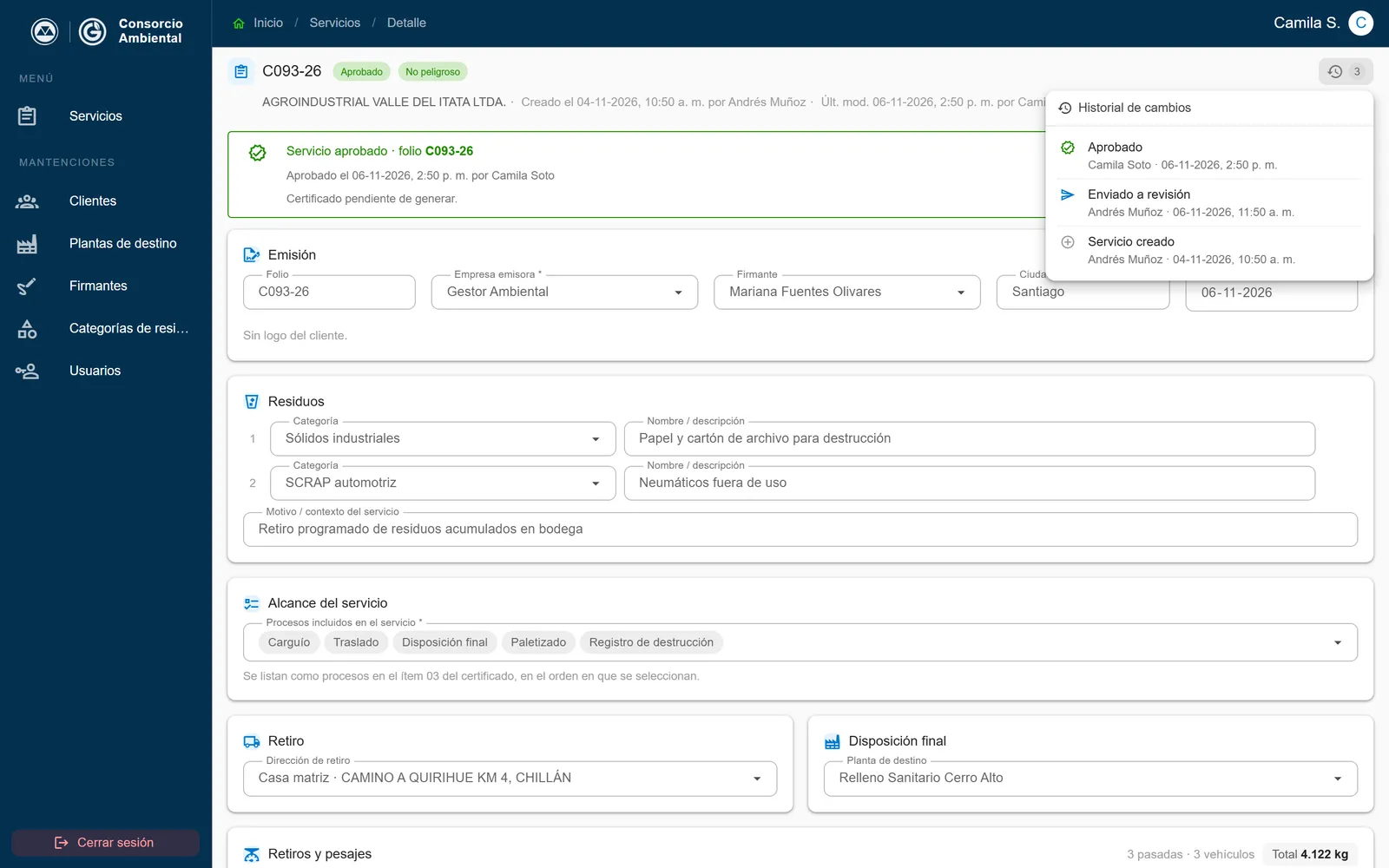
- PDF certificate – On approval the folio number is assigned and the certificate is generated. While the job is a draft there is a watermarked preview.
- Two issuing companies – Certificates from Gestor Ambiental or from Respel, each with its own details, its logo and its template for hazardous waste.
- Pickups and weighings – Several trips per job, with ticket, weight, license plate, load format and dispatch guide, and the total calculated.
- Waste from Excel – Rows are pasted from a spreadsheet and the record loads them with a preview before saving.
- History for every job – Who created it, who sent it to review and who approved or rejected it, with date and time.
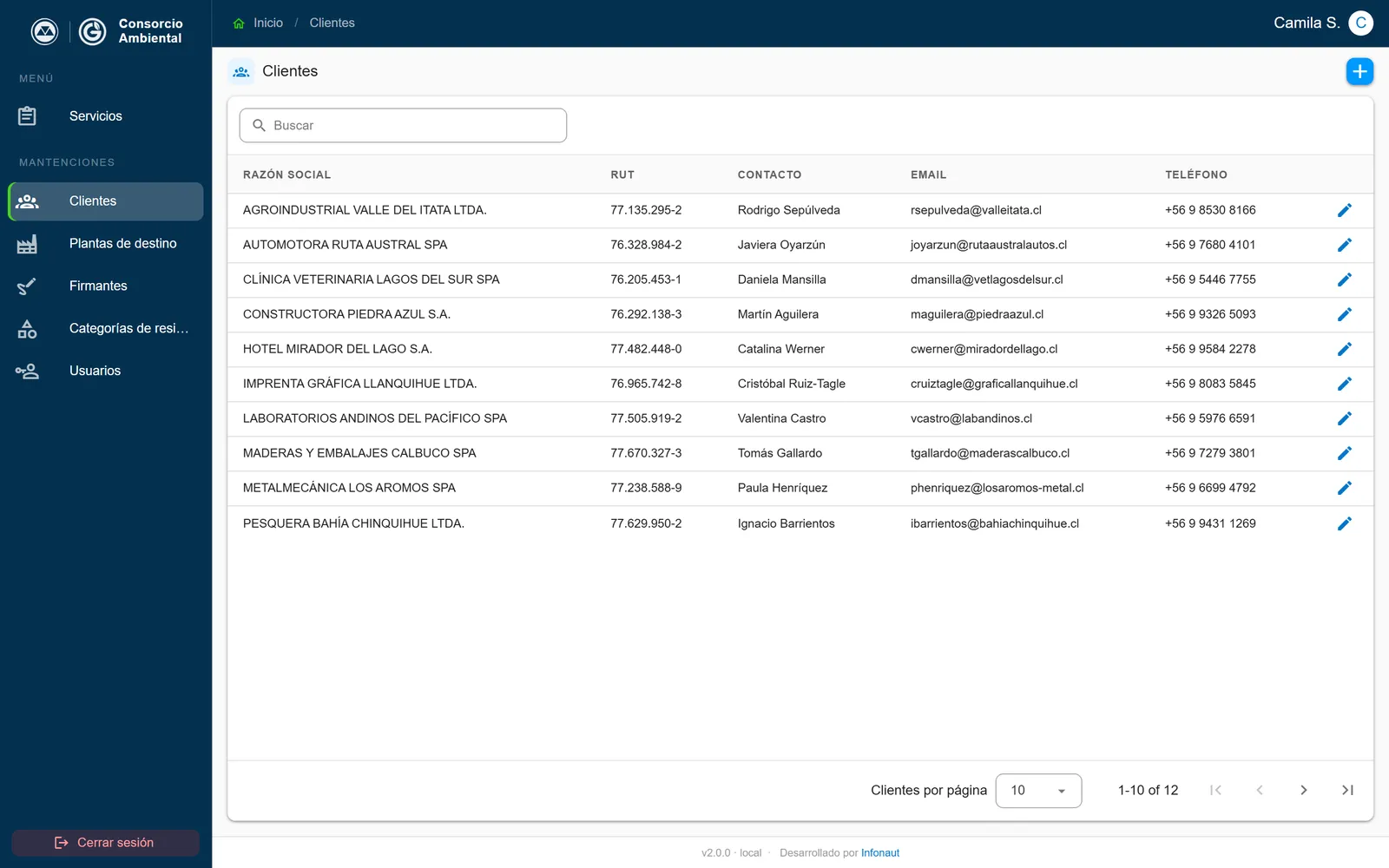
- Master data – Clients with their pickup addresses, destination plants with their sanitary resolution, signers with digitized signatures and waste categories.
Results and impact
Impact
- One place per job – Details, weighings, photos and documents stay together, and the list shows the status of every job at a glance.
- Consistent certificates – They all come from the same template, with sequential folio numbers and no copying data from one document to another.
- Review before issuing – No certificate goes out without review, and a rejection comes back with a note on what to fix.
- Delivered in stages – Beta in use on September 4, 2026, version 1.0 on September 16 and version 2.0 on the client’s own computer on October 7.
- Low running cost – In the cloud, at the current volume, the infrastructure costs about one dollar a month.
The technical side
Implementation
The application is built in Vue with Vuetify and uses a PostgreSQL database, with role permissions enforced in the database itself. A Node microservice generates the certificates with a headless browser, stores files in private storage and hands out signed links that expire. Business rules, such as who can move a job from one status to another or what can be edited during review, live in the database, so they hold even if someone tries to bypass the screen. Every schema change goes through a versioned migration and every release is recorded in a changelog written for the client.
Design and use
Design
A job record follows the order in which information arrives, with issuing, waste, scope, pickup, final disposal, weighings and photographic evidence. The list shows the waste class and the status of every job, and filters by client, status, class and date. Search ignores accents and also finds by waste. The interface works on the office computer, on a tablet or on a phone in the field.
On the client’s computer
Capabilities
At Gestor Ambiental’s request, version 2.0 installs on a Windows computer and runs without the cloud. A single installer sets everything up in under eight minutes, starts on its own when the computer is turned on and also updates without touching the data. It is the same code as the cloud version, so going back to it is a configuration change, not new development.
Screenshots use fictitious data.
Want a system like this for your company? Let's talk.
Let's talk